
Our secure login process ensures the confidentiality of your information. Log in today and stay connected to your finances, anytime and anywhere.

Become a part of our community by registering for an account today. Enjoy a range of benefits and features tailored to meet your needs. Our registration page makes it easy to create your account, providing a seamless and user-friendly experience.

taxibook
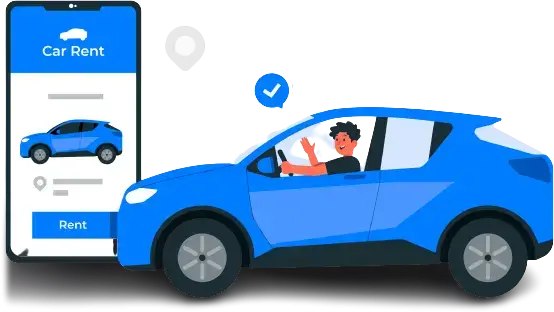
Making a reservation with Rentify is easy! Simply visit our website or app, enter your rental details, choose your preferred vehicle, and follow the prompts to complete the booking process.
Rentify provides a diverse fleet, including economy cars, SUVs, luxury vehicles, and more. Explore our range to find the perfect vehicle for your needs.
Yes, renters typically need to be at least 21 years old. Additional age-related policies may apply. Please check our rental policies for more details.
You can easily modify or cancel your reservation by logging into your Rentify account on our website or app. Refer to the “Manage Reservations” section for assistance.
Rentify accepts major credit cards and other commonly used payment methods. Check our payment policies for specific details.
Basic insurance coverage is typically included in the rental cost. Additional insurance options may be available. Review our insurance policies for more information.
Yes, you can rent a car for someone else, but the person picking up the car must meet our rental requirements and provide necessary documentation.
Most rentals come with unlimited mileage. However, certain promotions or special offers may have mileage restrictions. Please check the terms of your specific reservation.
In case of a breakdown or emergency, contact our 24/7 customer support immediately. We will assist you and arrange for any necessary support.
Return the vehicle to the designated drop-off location stated in your reservation. If you have any questions about the return process, feel free to contact our customer support for guidance.
Make your car rental experience even more convenient by downloading the Rentify app. Available on both iOS and Android platforms, our app brings a range of features to your fingertips.